
Ponytale

Image to Video AI — Uncensored, 18+

Image to Video AI — Turn a Photo Into Motion.

Ponytale's image-to-video AI takes a photo of the custom AI girl you designed and brings it to life as a short clip. Same face, same build — now moving. Uncensored for verified adults, free to start. 18+ only.

Private & Yours No Data Sold 18+ Verified
AI-generated blonde woman on tropical beach — custom AI girl photo you can turn into video
Adventurous
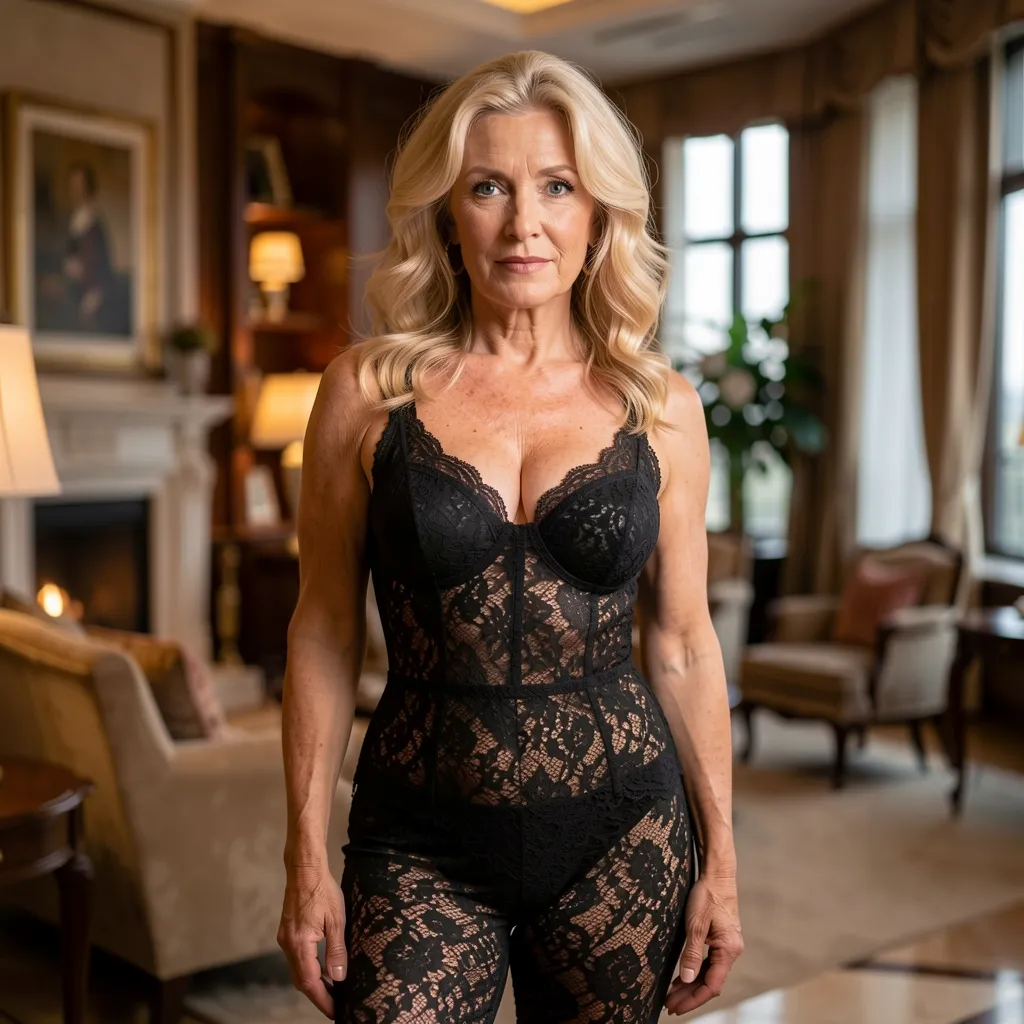
AI-generated mature blonde woman in black lace — image-to-video AI source photo
Elegant
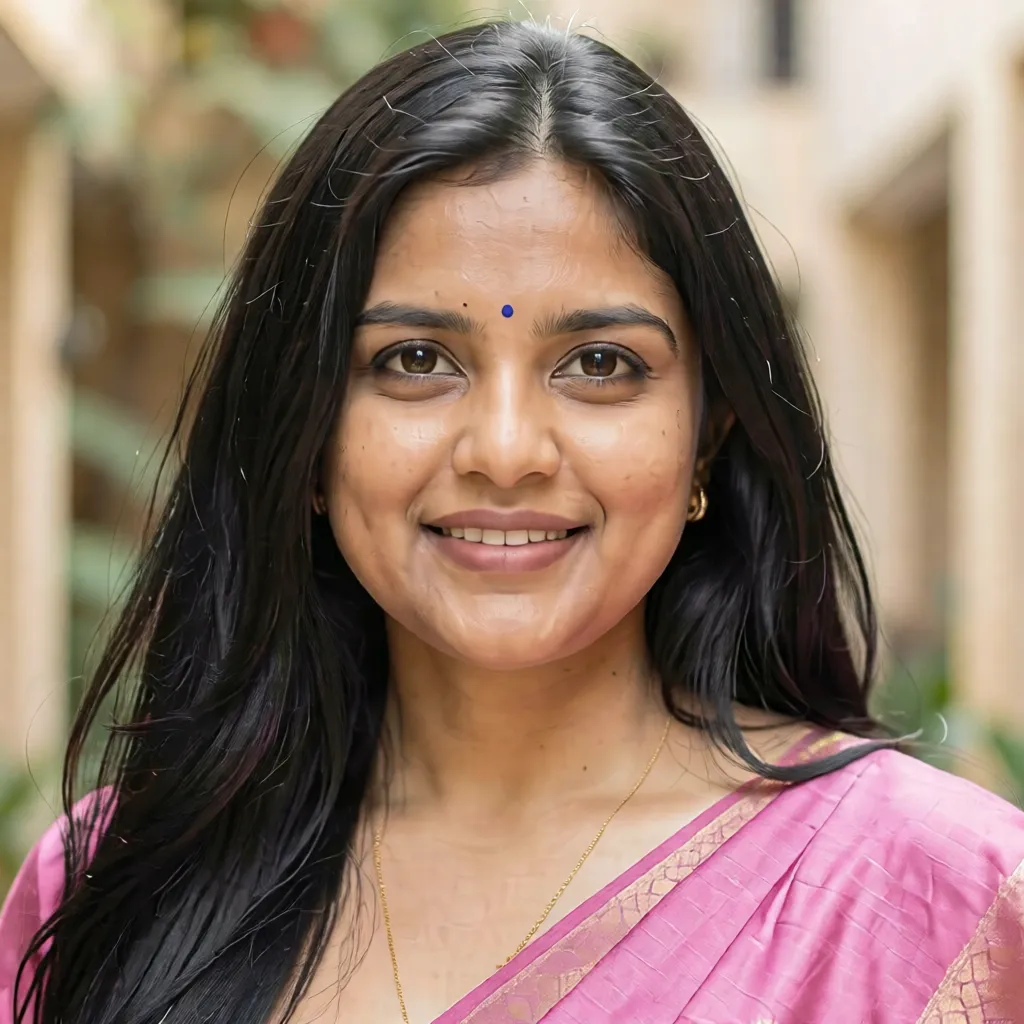
AI-generated Indian woman in pink saree — diverse AI girl photo animated to video
Enchanting
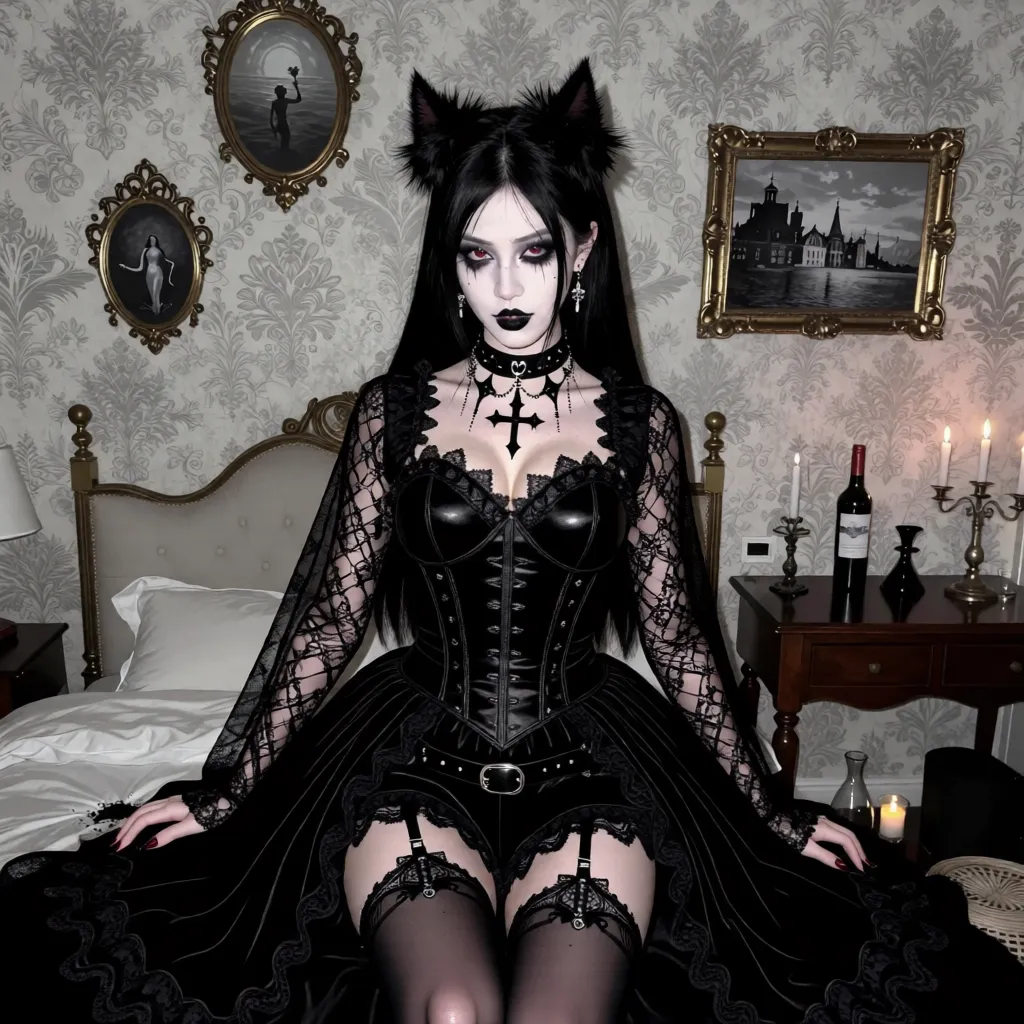
AI-generated gothic woman with cat ears and corset — fantasy AI girl photo to video
Fierce
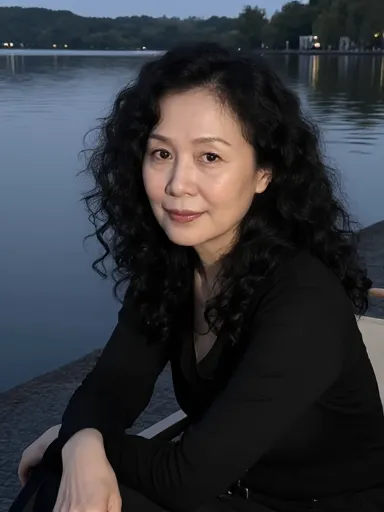
AI-generated Asian woman with curly hair by lakeside — realistic AI girl image to video
Mysterious
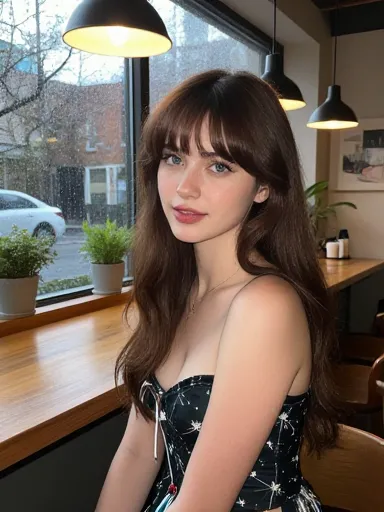
AI-generated brunette woman in cafe setting — cute AI girl photo turned into a clip
Charming
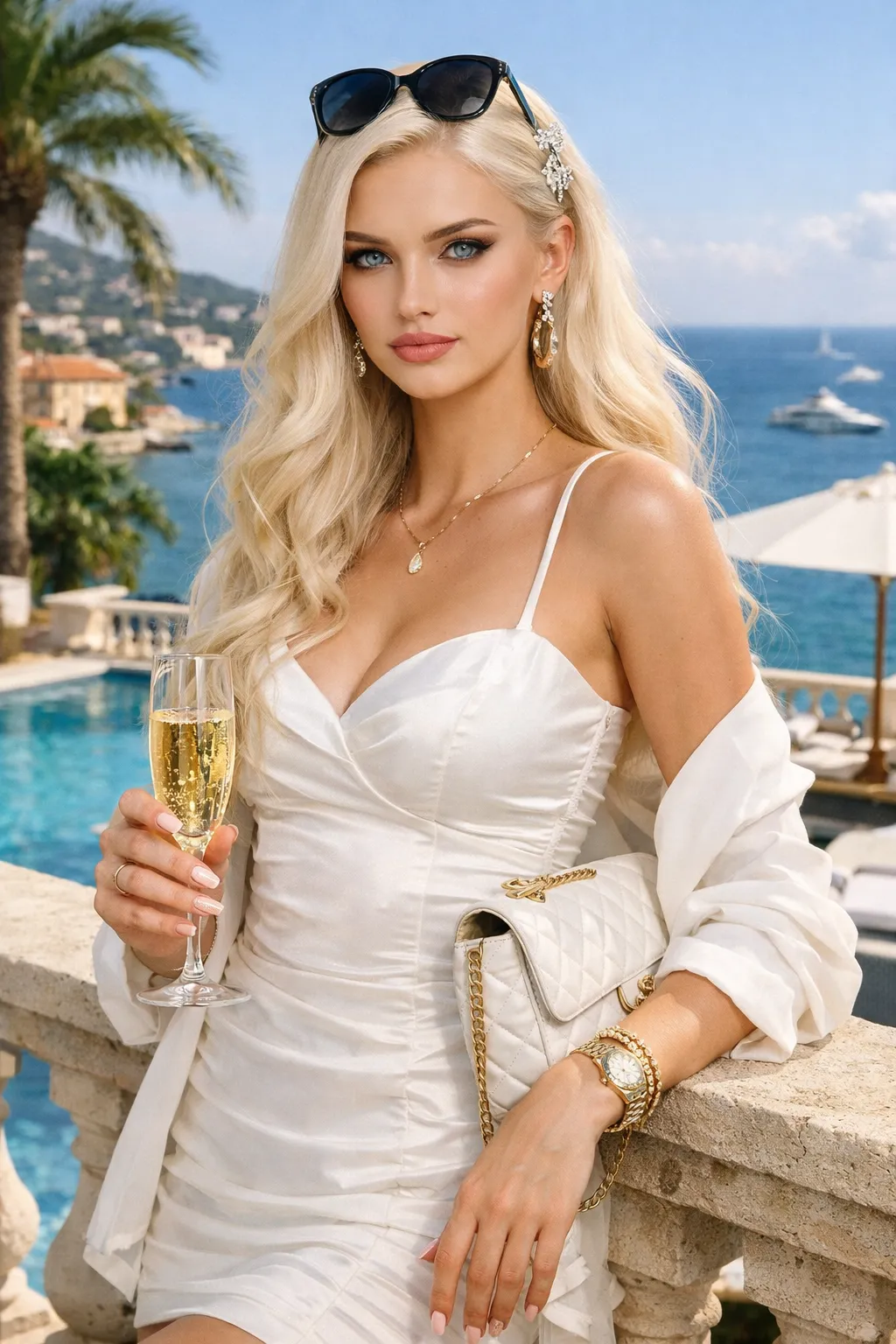
AI-generated glamorous blonde with champagne at luxury resort — hottest AI girl image to video
Bold
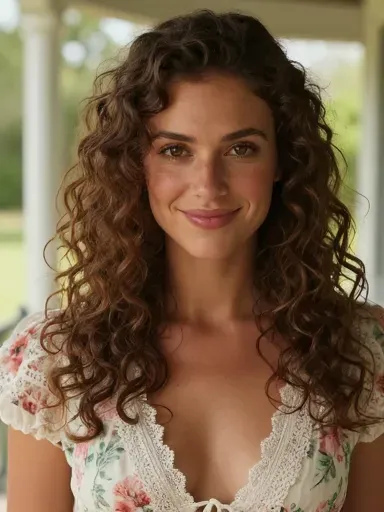
AI-generated brunette with curly hair in floral dress — sweet AI girl photo animated
Dreamy
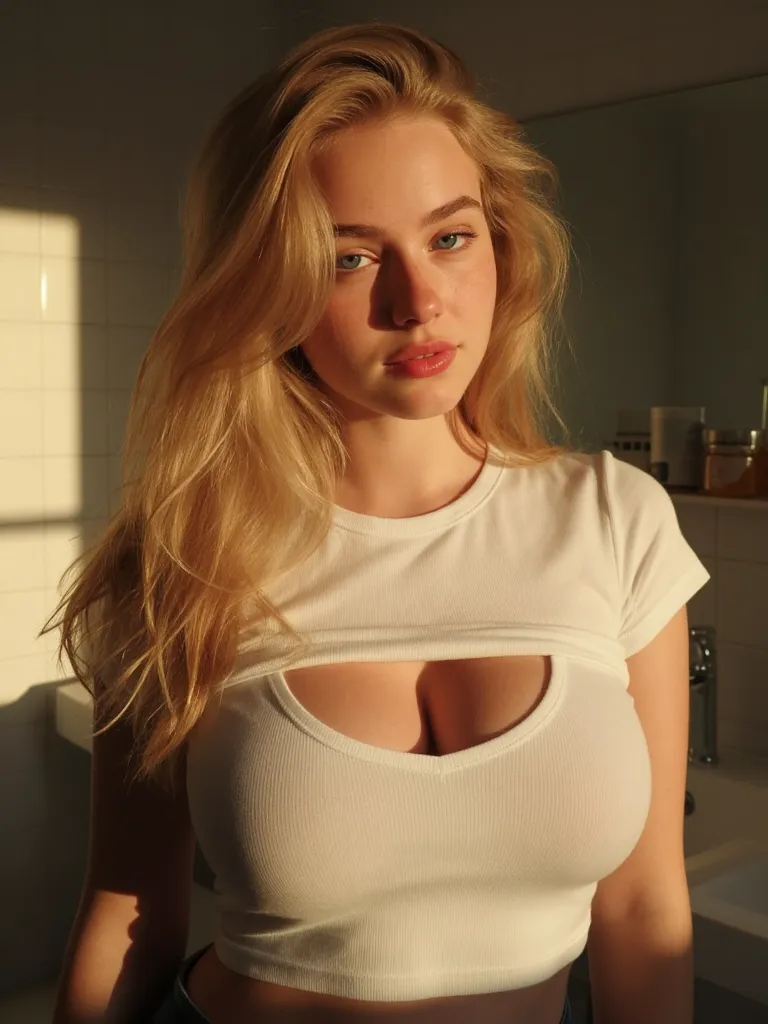
AI-generated blonde woman in white top — most realistic AI girl photo for image to video
Alluring
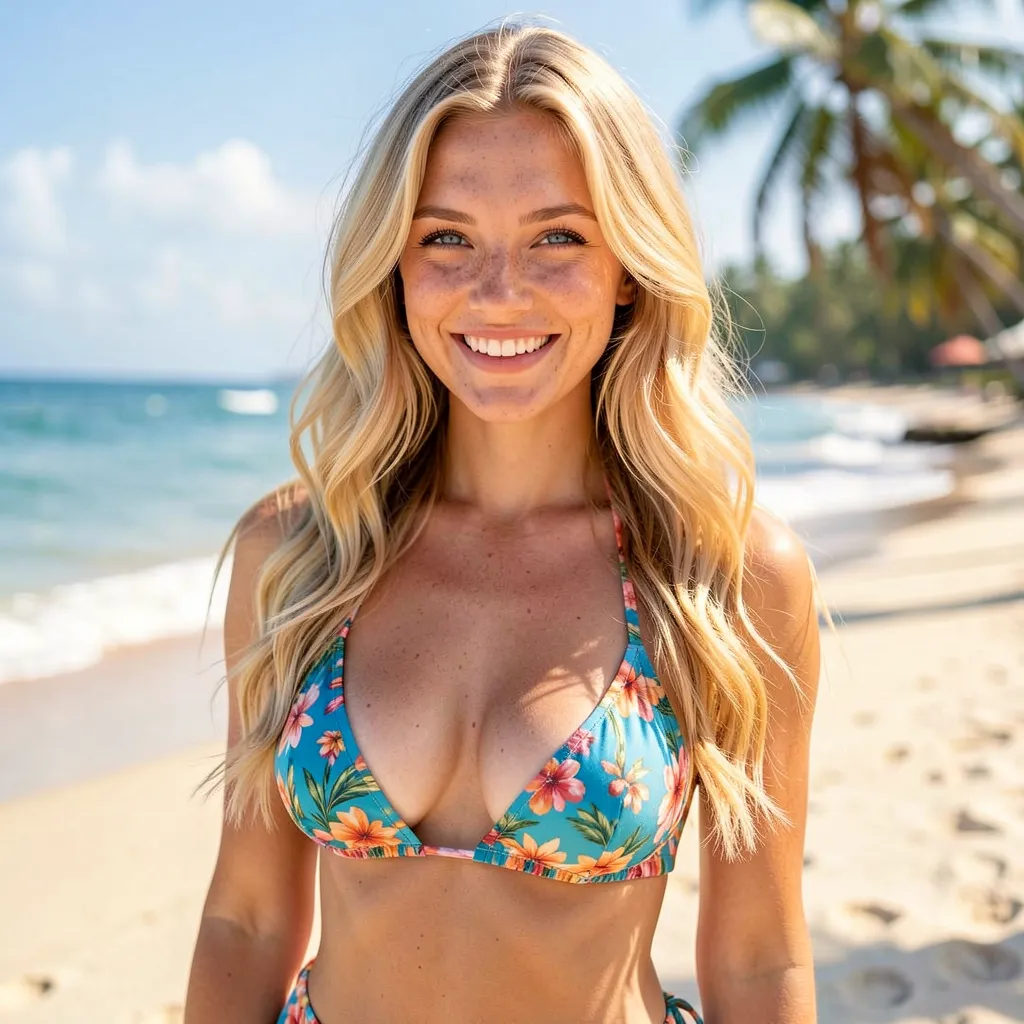
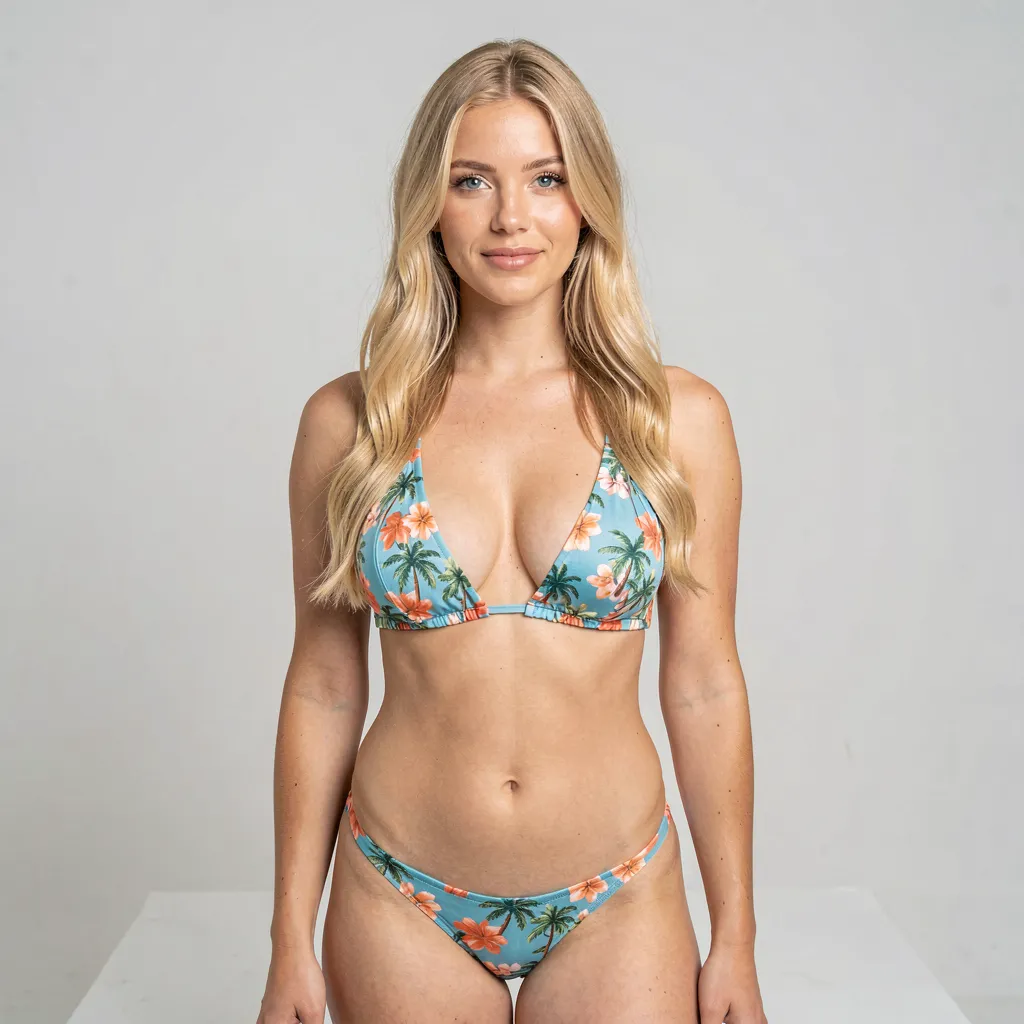
AI-generated blonde woman in tropical bikini — custom AI girl image turned into video
Playful
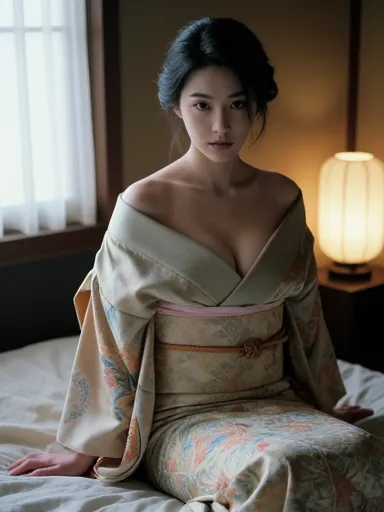
AI-generated Japanese woman in traditional kimono — diverse AI girl photo to video clip
Captivating
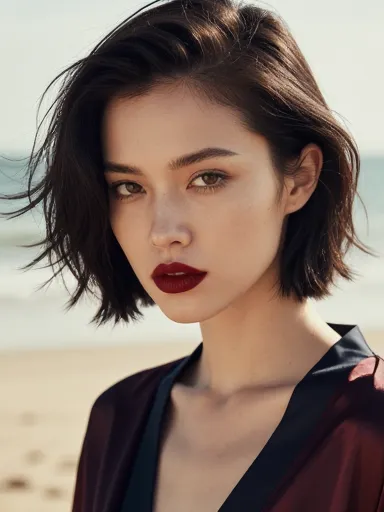
AI-generated woman with short bob and bold lipstick on beach — edgy AI girl image to video
Daring
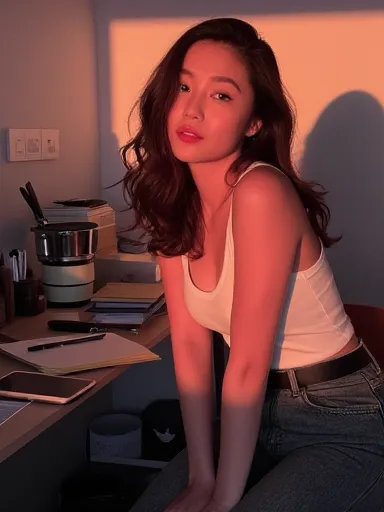
AI-generated Asian woman at desk in warm lighting — casual AI girl photo animated to motion
Seductive
AI-generated Indian woman in lab coat — diverse AI girl photo turned into a video
Confident
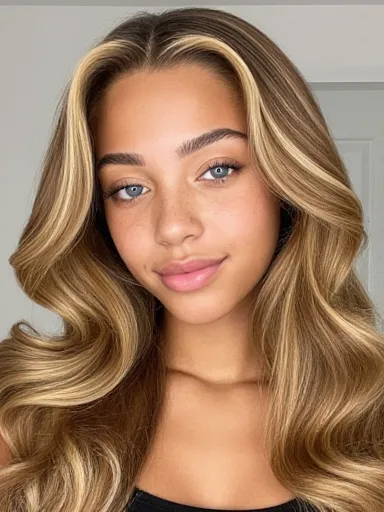
AI-generated mixed-race woman with honey blonde waves — realistic AI girl image to video close-up
Radiant
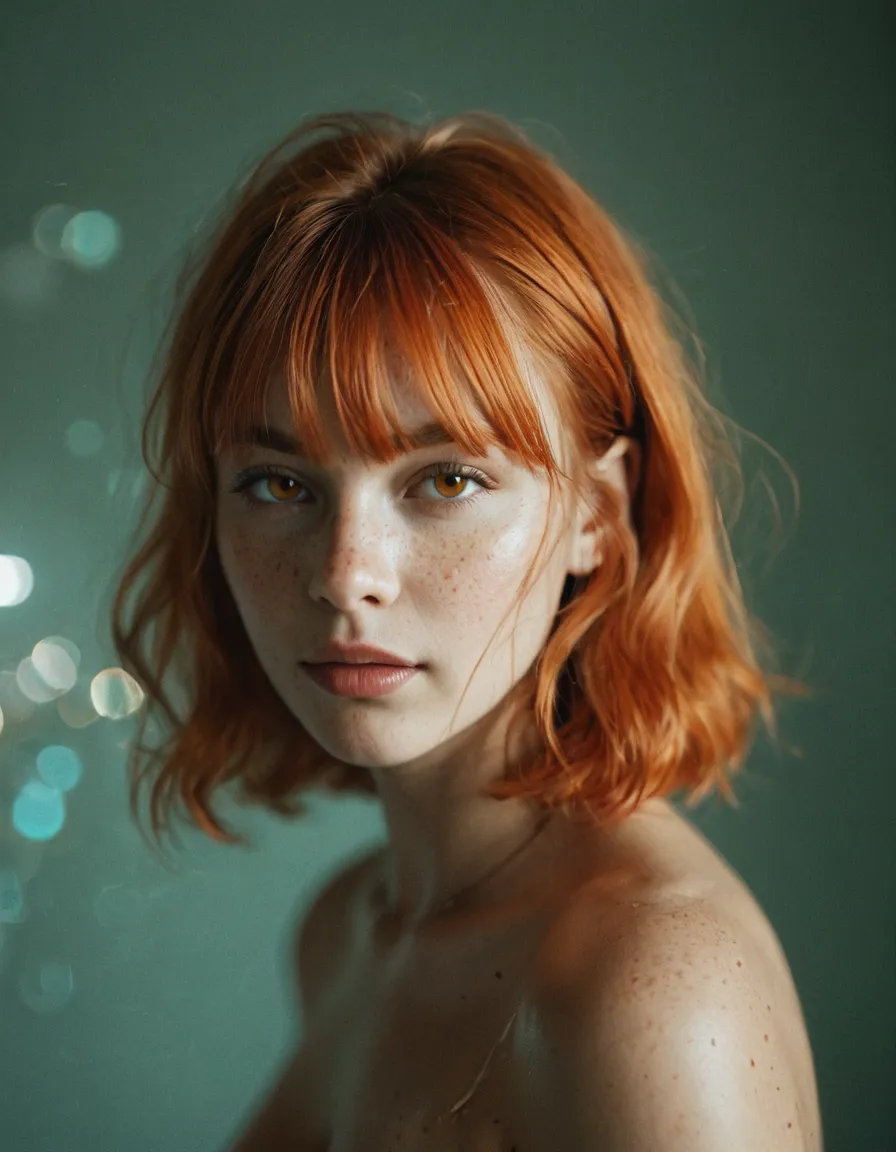
AI-generated redhead woman with freckles — artistic AI girl photo animated to a clip
Wild
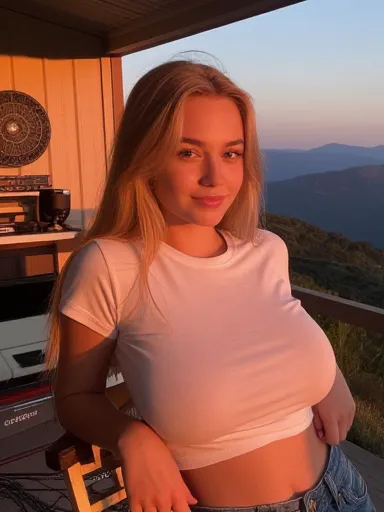
AI-generated blonde woman at mountain sunset — adventurous AI girl photo to video
Spirited
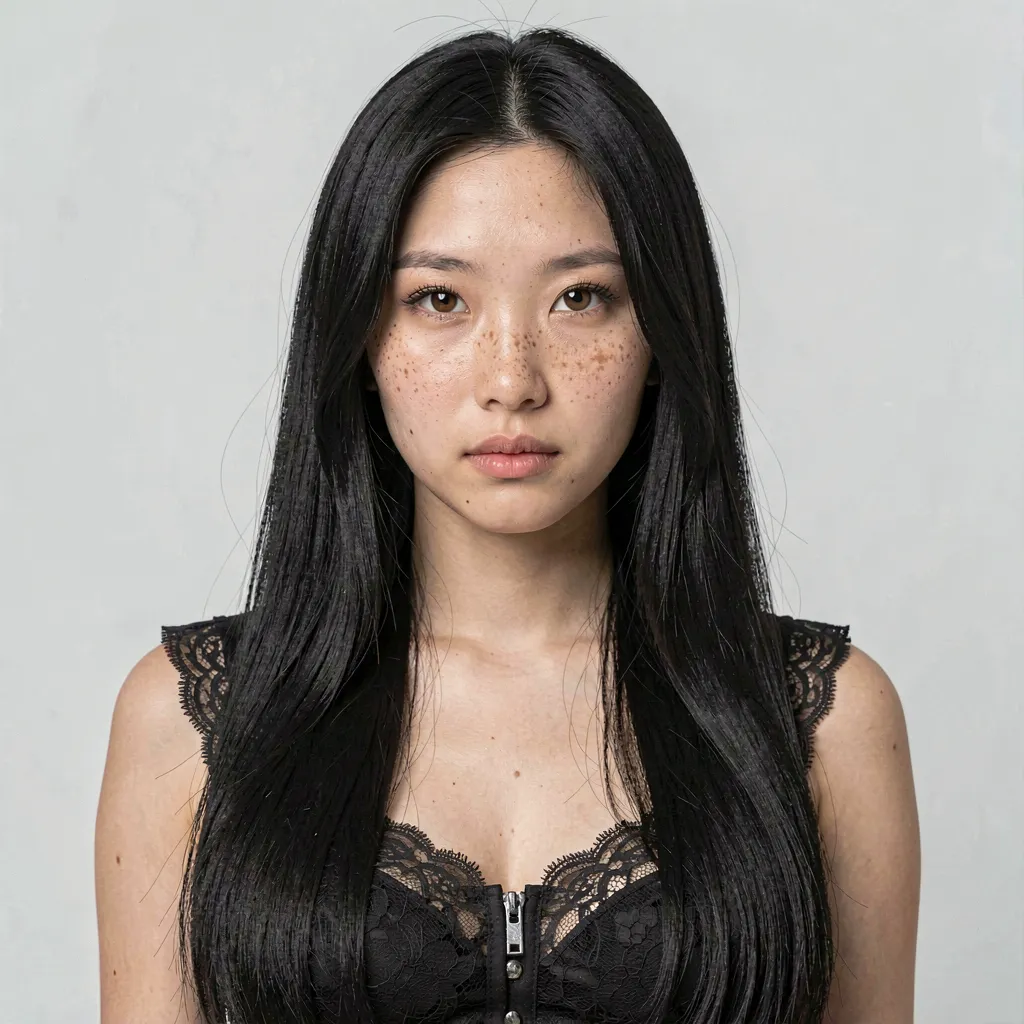
AI-generated Asian woman with freckles in black lace — striking AI girl image to video
Sultry

What image-to-video AI actually does

Image-to-video AI starts from a photo, not a text prompt. You give it a still you already have — on Ponytale, a photo of the AI girl you designed — and it adds motion: a soft smile and a turn toward the camera, a wave, a kiss blown your way. The result is a short clip of the exact person in the photo, now moving.

That starting point is the whole advantage. Text-to-video has to invent a person from scratch every time, so you never get the same character twice. Image-to-video keeps the face, build, and features from your photo, so the AI girl you built is the AI girl in the clip — not a stranger who happens to look similar.
Image-to-video vs. text-to-video

Two ways to make an AI clip. For a consistent character, you want the one that starts from your own photo.

  Image to video Text to video
Starts from A photo you already made A written prompt
Character consistency Same person as your photo A new person each time
Control You choose the motion for your image You describe and hope
Adult content Uncensored for verified 18+ users Varies by tool
Cost on Ponytale Credits per clip — free starter credits to try it

How to turn an image into a video

Three steps from a still photo to a clip in motion.

  1. Start with a photo

    Render a photo of your custom AI girl with the AI image generator, or pick one you already made. Image-to-video starts from a still you already love.

  2. Pick a motion

    Choose how she moves — a soft smile and turn, a wave, a kiss blown to camera. The motion is applied to your existing image, so nothing about her changes but the movement.

  3. Generate the clip

    Ponytale renders a short clip in a few minutes, keeping the same face and build from your photo. A still becomes a moment in motion.

Free to start, uncensored throughout

New accounts get free starter credits — enough to design an AI girl, render a few photos, and turn one into a clip. That's plenty to see whether the motion and the character consistency are what you're after, including adult content for verified 18+ users.

Image-to-video uses credits from the same balance that funds image renders; when you're past the trying-it-out stage, top up with a credit pack. Chat itself stays free with no per-message cost. Payment is crypto only today (USDT, USDC, BTC, ETH, and other supported networks).

This page is the photo-to-motion entry point. For the full feature — motions, examples, and how it fits with chat — see the AI video generator.

Private by default

Every clip stays on your account. Not shared with other users, not sold to ad networks, not used to train models. When you delete a video, it's gone from storage. Entry to adult content is age-verified, and the content line is short enough to state outright: no minors, no real, identifiable people. Inside that line, the AI girl you designed can move however you write her.

Turn your photo into a video

Render her, pick a motion, watch her move. Free to start, no card on file, uncensored for verified adults.

Image to video AI — frequently asked questions

What is an image-to-video AI generator?
It's a tool that turns a still image into a short video clip. Instead of generating video from a text prompt, it starts from a photo you already have and adds motion — so the person in the clip is the same person in the photo. On Ponytale, that photo is the custom AI girl you designed, and the result is a short clip of her in motion.
Is the image-to-video AI uncensored?
Adult content is supported for verified 18+ users, on the same terms as the rest of Ponytale — no softer filter for free users. The content line is absolute and applies to every clip: no minors and no real, identifiable people. Inside that line, the AI girl you designed can move however you write her.
Can I turn my own AI photo into a video?
Yes. Any photo you render of your AI girl can be animated into a short clip. Because the clip is built from your existing image, she stays recognisable — the same face, build, and features, now in motion rather than a new character that only looks similar.
Is image-to-video free?
New accounts get free starter credits, enough to design an AI girl, render photos, and try turning one into a video. After that, image-to-video uses credits from the same balance that funds image renders; you top up with a credit pack. Chat itself stays free with no per-message cost. Payment is crypto only today.
How is image-to-video different from text-to-video?
Text-to-video generates a clip from a written prompt, so you can't control exactly who appears. Image-to-video starts from a photo you already made, so the character in the clip is the one you designed and rendered — far more consistent. Most people render a photo they love first, then animate it.